
Sweet Editor Camera Lite
GeniusTools LabsBeauty
4.686.00 Reviews
- Version
- 4.0.0.1
- Installs
- 5.00M
- Age Rating
- Everyone
Screenshots

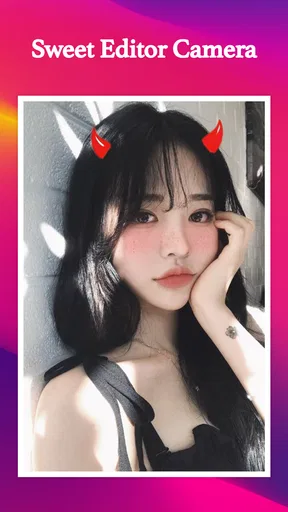
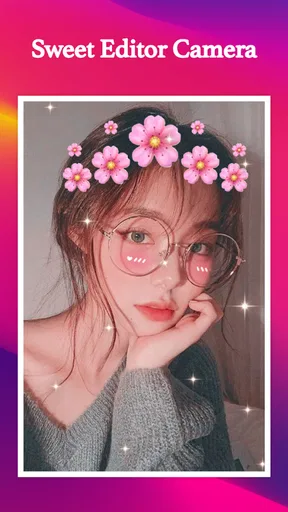

Our Review of Sweet Editor Camera Lite
 Analysis by Appyee
Ever wondered how some people always manage to have the perfect selfie or that ideal Instagram post? Well, let me introduce you to Sweet Editor Camera Lite. I downloaded this nifty app to see what the fuss was all about, and I was pleasantly surprised by how much it offered. Whether you're a selfie enthusiast or just looking to spice up your photos, this app might just be your new best friend.
Getting Started with Sweet Editor Camera Lite
First things first, the download and installation process is a breeze. The app is lightweight, so it doesn't take forever to install or hog up your phone's storage. Once you open it, you're greeted with a clean and intuitive interface that makes navigation super easy—even for those who aren't tech-savvy.
Upon launching, the app's camera opens up immediately, ready to capture that perfect moment. I was particularly impressed by how quickly it loaded, with no annoying ads popping up every five seconds. It's like the developers actually want you to focus on taking great photos—imagine that!
Features That Make It Shine
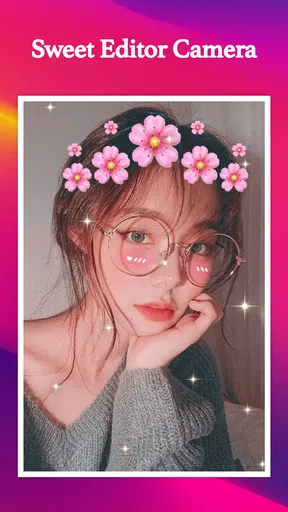
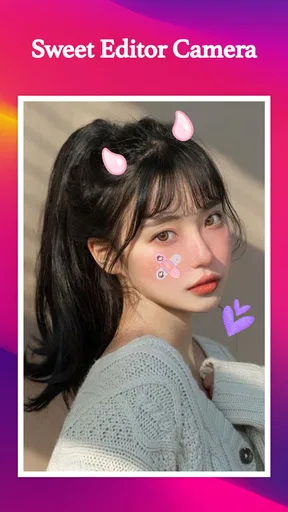
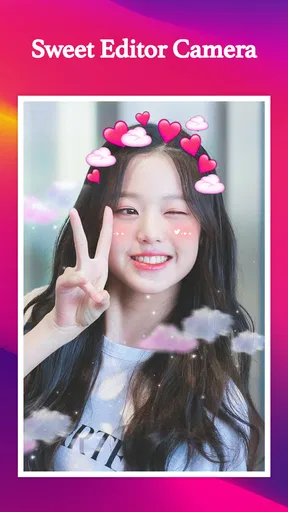
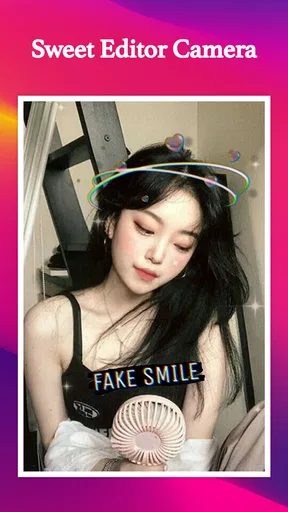
Now, let's dive into the features. Sweet Editor Camera Lite comes packed with a bunch of editing tools that are both powerful and easy to use. From basic adjustments like brightness and contrast to more advanced features like filters and beauty modes, this app has you covered.
- Filters: There are a plethora of filters to choose from, each offering a unique vibe. Whether you're going for a vintage look or something more modern, you'll find a filter that suits your style.
- Beauty Mode: This is a game-changer for selfies. It smooths out skin tones and even lets you reshape your features slightly, all while keeping things looking natural.
- Collage Maker: For those who love to compile their favorite moments, the built-in collage maker is a fantastic addition.
One of the standout features for me was the app's ability to save edited photos in high resolution. This means you won't have to compromise on quality, even if you're editing on the go.
Why You'll Love It
So, why should you give Sweet Editor Camera Lite a try? For starters, it's incredibly user-friendly. You don't need to be a professional photographer to make your pictures look good. The app does a lot of the heavy lifting for you, which is perfect if you're someone who just wants to snap a quick photo without fussing over settings.
Also, the app is free to use. While there are some in-app purchases for additional features, the basic version is more than enough for everyday use. It's nice to see an app that doesn't pressure you into spending money just to get decent results.
Final Thoughts
In the vast sea of photo editing apps available today, Sweet Editor Camera Lite manages to stand out thanks to its simplicity and effectiveness. Whether you want to enhance your selfies, create stunning collages, or just have some fun with filters, this app offers a lot of versatility without overwhelming you with options.
If you're on the hunt for an easy-to-use photo editor that delivers solid results, I highly recommend giving Sweet Editor Camera Lite a try. It might just become your go-to app for all things photography on your phone!
Privacy and Permissions
See what permissions an app requests and how it handles your data.
- Photos/Media/Files
- read the contents of your USB storage, modify or delete the contents of your USB storage
- Storage
- read the contents of your USB storage, modify or delete the contents of your USB storage
- Wi-Fi connection information
- view Wi-Fi connections
- Other
- view network connections, full network access, set wallpaper, control vibration, prevent device from sleeping, Google Play license check
Verdict
Strengths of Sweet Editor Camera Lite
- User-friendly interface for easy editing.
- Variety of filters enhances photos.
- Fast processing with minimal lag.
- Lightweight app saves storage space.
- Regular updates improve functionality.
Limitations of Sweet Editor Camera Lite
- Limited advanced editing tools.
- Ads can be intrusive at times.
- No option for batch editing.
- Some features require in-app purchases.
- Limited support for high-res images.
Other Releases by GeniusTools Labs
View All
Trace Drawing: How To Draw
Art & Design4.6

Widget 2026: Aesthetic Widgets
Personalization4.6

GPS Maps Voice Navigation App
Maps & Navigation4.8

Who Is Tracking My Phone?
Tools3.9
Similar Picks in This Category
View All
Beauty Makeup Editor & Camera
Photo & Video Editors - Instant Solution4.7

Perfect365: Face Makeup Editor
Perfect365, Inc.3.5

Mirror Plus - HD Mirror app
Digitalchemy, LLC4.8

Cute Lock Screen & Wallpapers
Prometheus Interactive LLC4.6

HD Camera for Android
One Music Player4.5

Phone Mirror app - True Mirror
Cards4.6
Frequently Asked Questions
What features does Sweet Editor Camera Lite offer?
Sweet Editor Camera Lite provides a wide range of features, including a variety of filters and effects, easy-to-use editing tools, and a user-friendly interface. It supports both photo and video editing, allowing users to enhance their media with professional-grade adjustments. The app is designed for quick edits and is perfect for social media enthusiasts.
Is Sweet Editor Camera Lite free to use?
Yes, Sweet Editor Camera Lite is free to download and use, offering a generous selection of features at no cost. However, there are in-app purchases available for users who wish to access premium filters and additional editing tools. These purchases are optional and the free version provides ample functionality for everyday use.
Does Sweet Editor Camera Lite require an internet connection?
No, Sweet Editor Camera Lite does not require an internet connection for its core editing features. Users can edit photos and videos offline, making it convenient for on-the-go usage. However, an internet connection is needed for downloading updates and accessing any online-exclusive content or features.
Is Sweet Editor Camera Lite available for both Android and iOS?
Yes, Sweet Editor Camera Lite is available for download on both Android and iOS platforms. The app is optimized to work smoothly on a variety of devices, ensuring a consistent user experience whether you're using a smartphone or tablet. Check your device's app store for availability.
How user-friendly is Sweet Editor Camera Lite for beginners?
Sweet Editor Camera Lite is designed with beginners in mind, featuring an intuitive interface and straightforward navigation. The app includes helpful tutorials and tips to guide new users through the editing process, making it easy to create stunning edits without prior experience. It's a great choice for anyone looking to improve their editing skills.
